 Shops
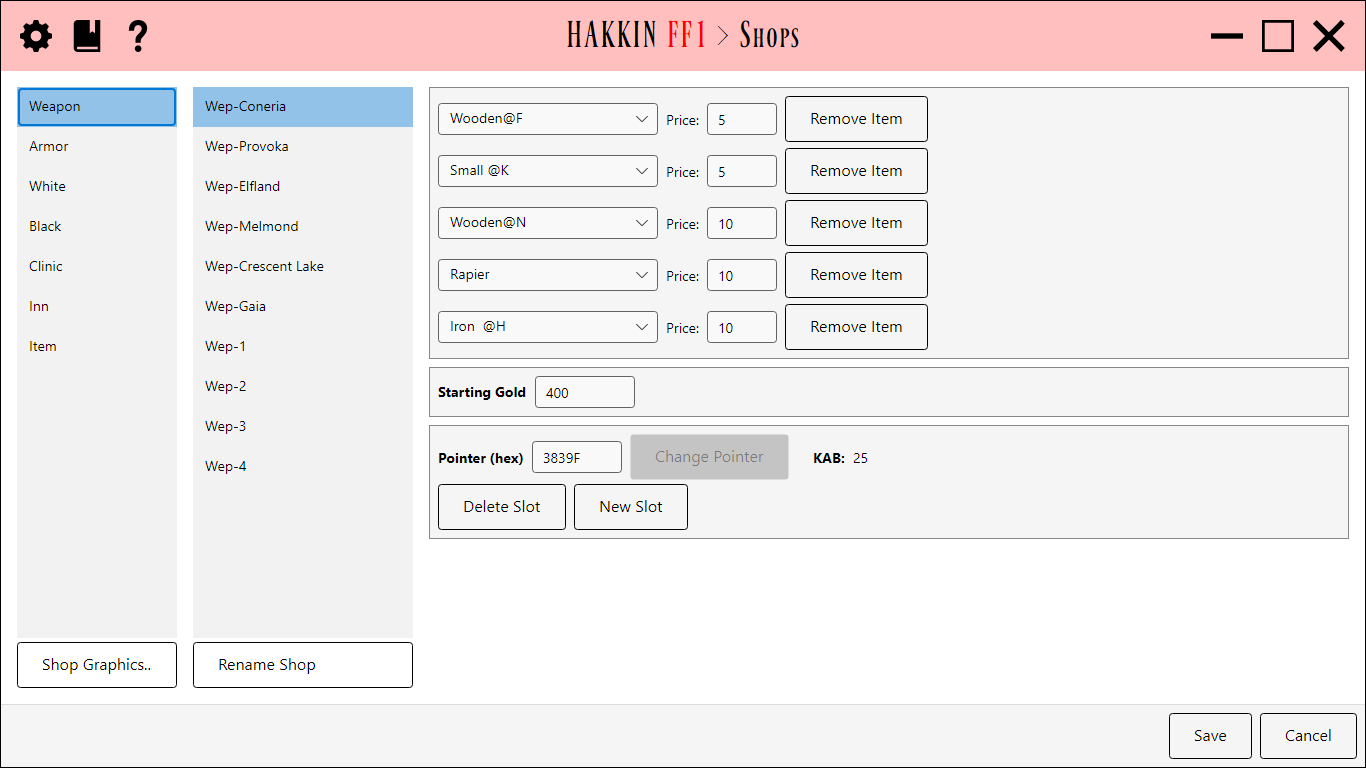
Edits what each shop sells and for how much. On the left, choose a shop type, then one of that type's ten shops. The selected shop's details are on the right.
Choosing a shop
- Shop type: Weapon, Armor, White Magic, Black Magic, Clinic, Inn, or Item.
- Shop: the ten shops of that type. Shop names are project labels, so Rename Shop changes the name shown here (and in the Local Maps editor), not anything in the game.
Shop details
| Field | Detail |
|---|---|
| Price | Clinics and inns have a single price: the cost to revive or to stay. |
| Item slots | Every other shop type has up to five slots, each an item (or spell) with its price. Changing a price here changes that item's price everywhere, since prices belong to the item, not the shop. |
| New Slot / Delete Slot | Add a slot to the shop, or remove the selected one. |
| Pointer (hex) | Where the shop's data starts. Change Pointer moves it, for example to make two shops share an inventory. |
| KAB | The free bytes left in the shop data area. Shops are stored back to back, so adding slots uses this up and deleting them frees it. |
| Starting Gold | The party's gold at the start of a new game. It isn't a shop setting, but it's kept here for convenience. |
Shop Graphics
Shop Graphics... opens an editor for the shopkeeper pictures and the colors of the shop's title and gold boxes. The list on the left picks what to edit, and it starts on the selected shop type. Editing works as in the Graphics editor. Save keeps the changes, and Cancel drops them.
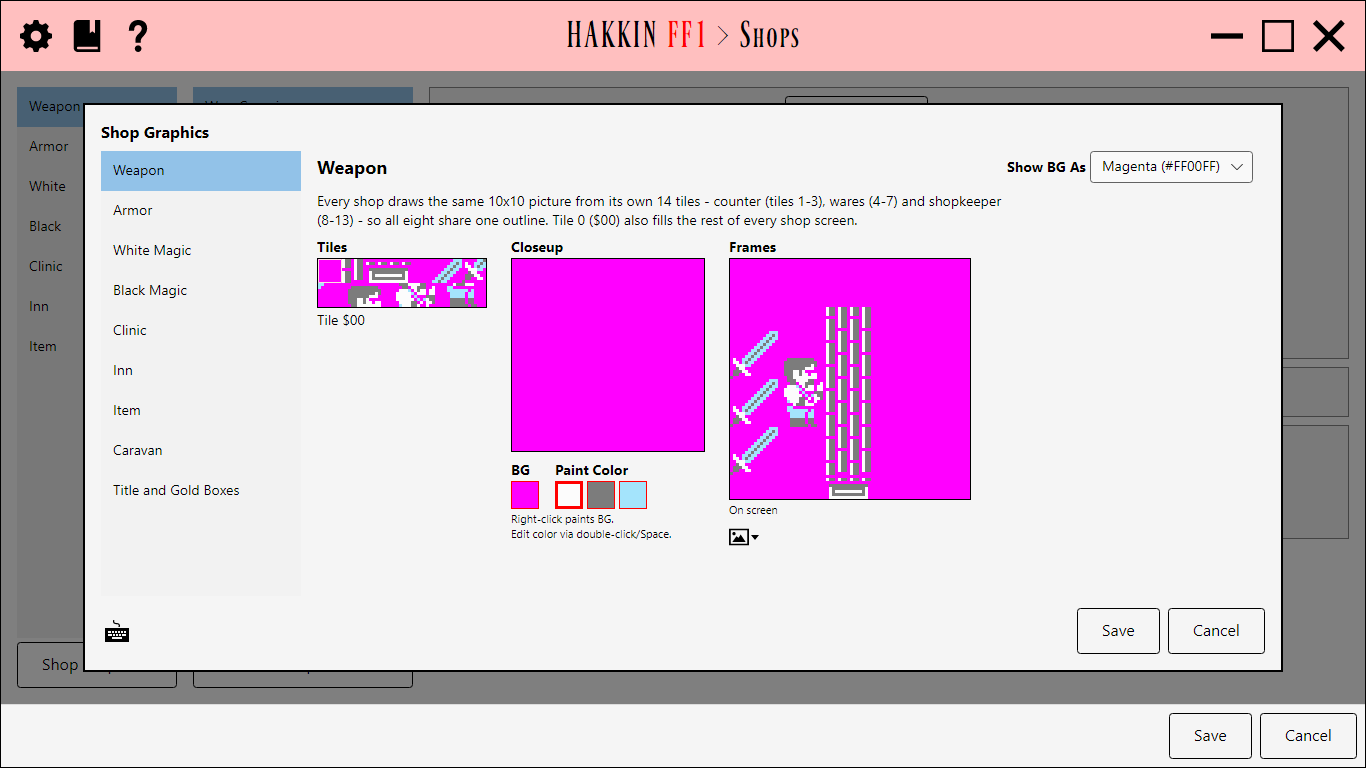
Every shop type draws the same 10×10 picture from its own 14 tiles: the counter (tiles 1-3), the wares (4-7), and the shopkeeper (8-13). The types can change what each tile looks like and their three colors, but not the picture's outline. Frames shows the picture as the game draws it.
| Context | Detail |
|---|---|
| Weapon | Weapon shops. Its tile 0 also fills the rest of every shop screen, whatever the type. |
| Armor | Armor shops. |
| White Magic | White magic shops. |
| Black Magic | Black magic shops. |
| Clinic | Clinics. |
| Inn | Inns. |
| Item | Item shops. |
| Caravan | The caravan. It isn't one of the Shops editor's shop types, but it has its own picture. |
| Title and Gold Boxes | The colors of the boxes for the shop's name and the party's gold. |
The other types' tile 0 is never drawn; the space around their picture is the Weapon shop's tile 0.
Title and Gold Boxes
The colors of the box at the top of every shop screen, which shows the shop's name, and of the box that shows the party's gold. Colors For picks which box's colors to edit. Grey and White draw the frame and the text, and Box fills the box.
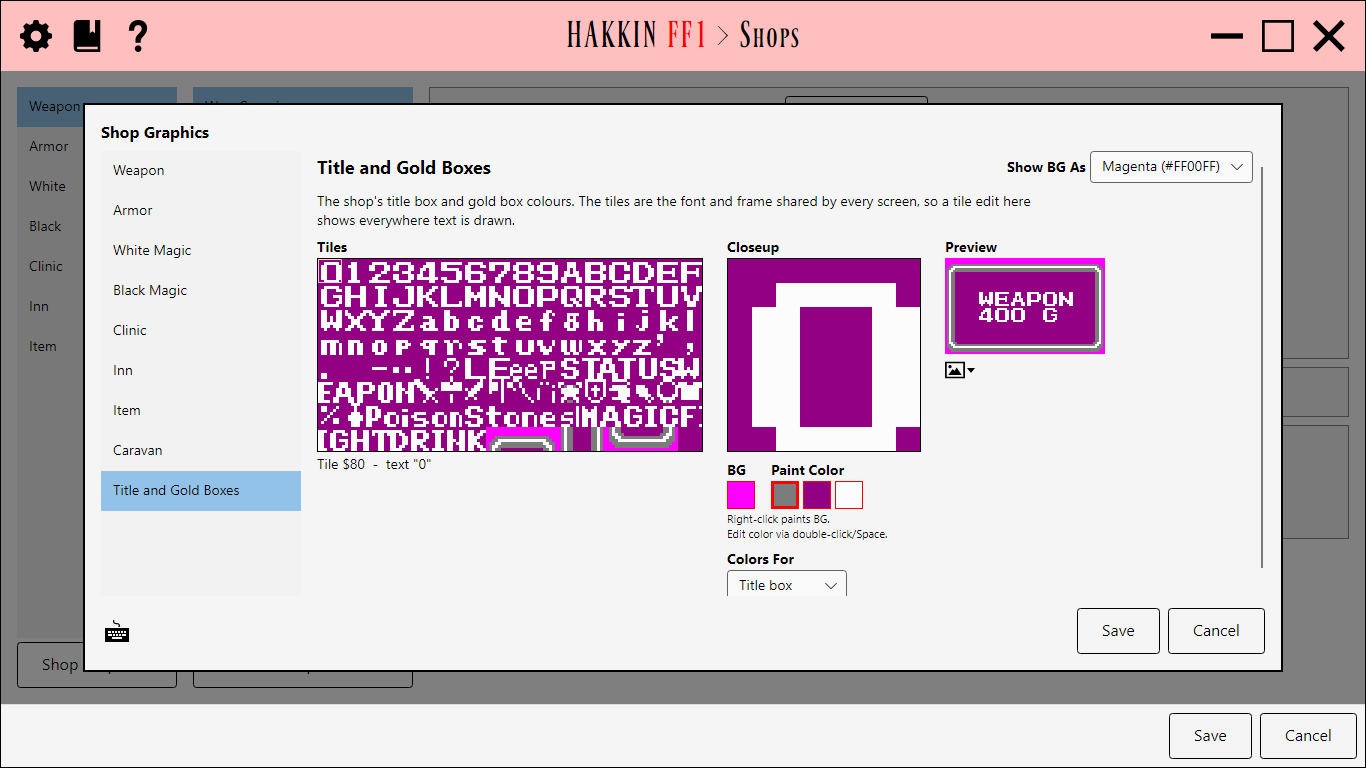
The tiles are the font and window frames that every screen uses, the same tiles as the Graphics editor's Font and Window Frames. A tile edited here changes everywhere text is drawn.